


Sıralama


Attention!
Valorant VP NA Guide: Loading Balance on the North America Server
Valorant is a tactical shooter game developed by Riot Games and released across different servers worldwide. Valorant Points (VP) is the in-game currency used to buy cosmetic content like weapon skins, character outfits, and Battle Pass on a Valorant account on the North America server. A region-specific NA code is required for players who play on the NA server and cannot top up balance with a TR server code. VP is spent entirely on visual content and season progression and has no effect on game balance. If your account is registered on the NA server, you automatically connect to this region when you enter the game, so the prices and VP denominations in the store are also determined based on this region.
VP NA Packages
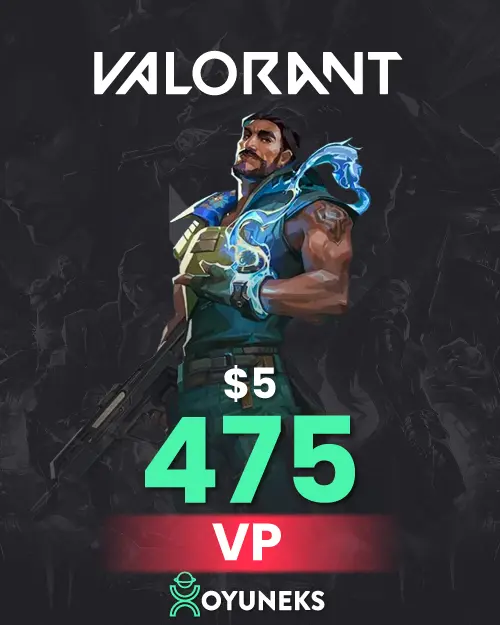
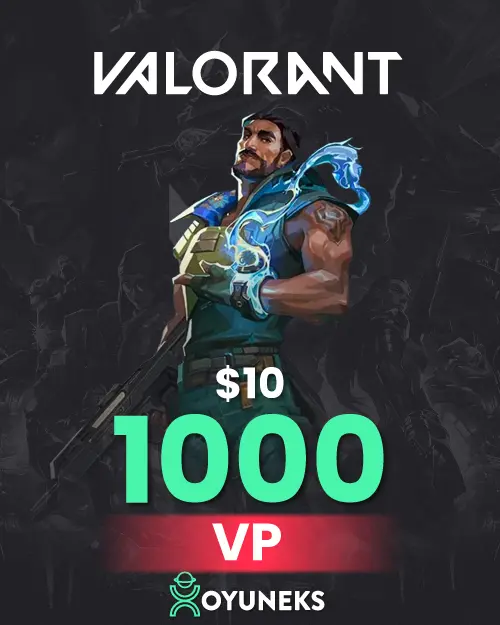
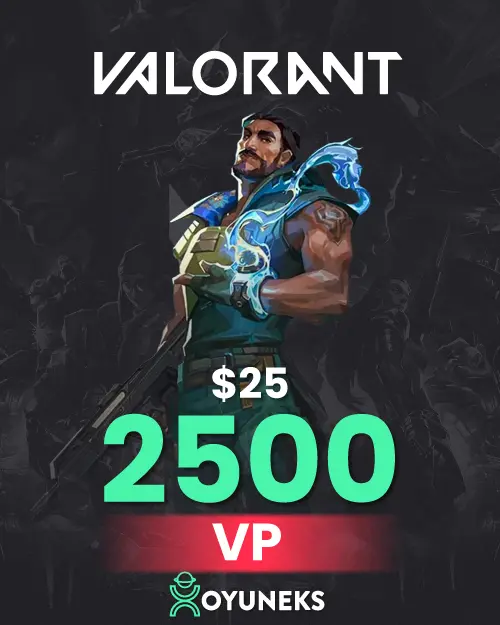
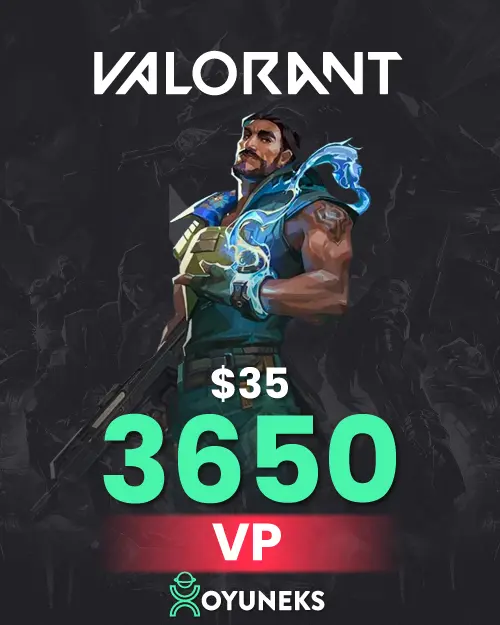
The Valorant Points NA category on Oyuneks offers denominations of different sizes. For small needs, the 475 VP - 5 USD and 1000 VP - 10 USD packages are suitable. For mid-level purchases, 2050 VP - 20 USD and 2500 VP - 25 USD can be preferred. For those targeting bigger cosmetic purchases, higher-tier denominations like 3650 VP - 35 USD, 5350 VP - 50 USD, and 11,000 VP - 100 USD are also on the list. You can choose your denomination based on the VP equivalent of the content you want to buy in the store.
Determining the Right Denomination
If you don't know the exact VP equivalent of an item in the store, choosing the denomination closest to your needs with a small surplus is more practical than falling short and having to buy a second code. Among dollar-based denominations, the package with a lower USD equivalent is generally also more cost-effective in TL terms.
Where Can You See Valorant VP NA Prices
The price of VP NA packages changes based on the dollar-based denomination size, and the TL equivalent is calculated based on the current exchange rate. Checking the price list on this page before buying to see the amount at that moment gives you the most accurate information against exchange rate fluctuations. Since exchange rate updates can be made more than once during the day, the price at the moment you visit the page is the most reliable reference.
How to Load Valorant VP NA?
- Log in to Oyuneks and buy the VP NA package you want.
- Log in to the game with your Valorant account.
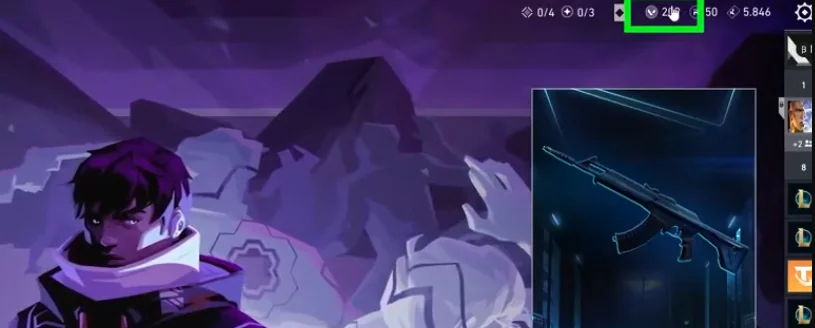
- Click the Valorant Points icon in the top right of the screen.
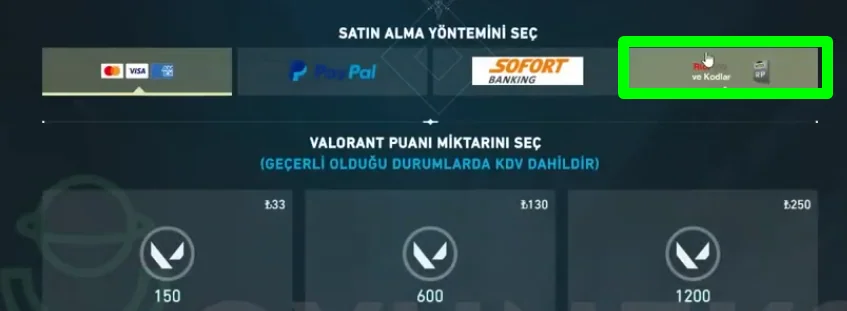
- Select the Riot Pin payment method on the page that opens.
- Complete the top-up by entering the code you got from Oyuneks.
Points to Note
An NA code only works on accounts registered on the North America server, so make sure which server your account is registered to before buying. The code is single-use and reflects the balance to the account it's entered on instantly, so it's important not to share it or take a screenshot of it. It's recommended to check the code from the My Account section after purchase and use it without wasting time. If you're a player on the TR server, you cannot use an NA code on your own account, so it's important to clarify which server your account is registered on before buying.
Why Oyuneks?
At Oyuneks, your VP NA code is automatically generated and credited to your account at the moment of purchase. Your past orders are stored in the My Account section, so you can view which code you bought and when whenever you want. If you experience an issue during the top-up, you can get instant help from the live support team. By choosing the denomination that best suits your budget and needs among the different options, you can keep up with the content in the store without interruption.
How to Top Up Valorant NA VP?
- Log in to oyuneks.com, choose the Valorant VP NA package you want and buy it.
- Sign in to your Valorant account.
- Click the "Valorant Points" icon at the top right of the screen.
- On the page that opens, choose the "Riot Pin" payment method.
- Enter the code you bought from oyuneks.com to complete the top-up.
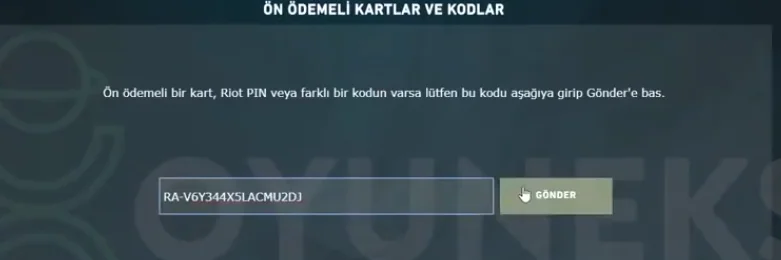
That's all! Cheap Valorant VP NA is at oyuneks.com!
Your code appears in the orders section of your account as soon as payment is approved. Then: Sign in to your Valorant account. Click the " Valorant Points " icon at the top right of the screen. On the page that opens, choose the " Riot Pin " payment method. Enter the code you bought from oyuneks.com to complete the top-up.
The code is entered on the game's own redeem screen, not on Oyuneks: Enter the code you bought from oyuneks.com to complete the top-up. You do not need to enter it on any other site.
Valid only on NA accounts. If your account region is different the top-up may fail, so check your account region before buying.
Delivery is digital and runs 24/7. Processing starts the moment your payment is approved, and orders placed at night are handled the same way. You can follow your order from the orders section of your account.
Only enter your code on the game's own redeem screen and never share it; the code is single use and is applied to the account that redeems it. Oyuneks never asks for your account password. If you run into trouble, contact 24/7 live support with your order number. Payments are collected through the PayTR payment institution; your card details are never seen or stored by Oyuneks.
Valorant 475 VP - 5 USD is currently 240,90 TL at Oyuneks. The price updates in real time with seller offers; delivery details are shown on the product page.
Valorant 1000 VP - 10 USD is currently 484,90 TL at Oyuneks. The price updates in real time with seller offers; delivery details are shown on the product page.
Valorant 2050 VP - 20 USD is currently 960,90 TL at Oyuneks. The price updates in real time with seller offers; delivery details are shown on the product page.
Valorant 2500 VP - 25 USD is currently 1.194,90 TL at Oyuneks. The price updates in real time with seller offers; delivery details are shown on the product page.
Valorant 3650 VP - 35 USD is currently 1.682,90 TL at Oyuneks. The price updates in real time with seller offers; delivery details are shown on the product page.
Valorant 5350 VP - 50 USD is currently 2.418,90 TL at Oyuneks. The price updates in real time with seller offers; delivery details are shown on the product page.
