


Sıralama

Attention!
Valorant Points EU Guide
Valorant Points, or VP for short, is the virtual currency used in Valorant to buy weapon skins, battle passes and other in-game content. Players with an account on the EU server can top up this balance, which is linked to their Riot account, through the Riot Pin code system. VP cannot be earned through in-game achievements or leveling; it's only added to the account through purchase, so it's important to choose the right amount for your needs. On this page you can find VP packages specific to the EU server, how to see current price information, and the top-up steps.
Valorant Points EU Packages
Packages are offered in different tiers for the EU server, from 225 VP up to 11,000 VP; each package is fixed by Riot to correspond to a specific Euro amount. Lower-tier packages suit a small skin or battle pass purchase, while higher-tier packages are more suitable for buying multiple items or a season pass. It's important to make sure your account is actually registered on the EU server when choosing a package, because VP codes bought for a different server won't be processed on an EU account. Checking the VP cost of store items beforehand and choosing the tier closest to your needs prevents your balance from going to waste.
How Much Is Valorant Points EU
Since the TL equivalent of VP packages can change based on the exchange rate, rather than a fixed figure, the healthiest approach is to check the current price list on this page. To find the cheapest Valorant Points EU package, you can sort the list by VP amount and compare the option closest to your needs. Prices can change even within the same day due to exchange rate movements, so it's best to check the list right before placing your order.
How to Top Up Valorant Points EU
- Choose the VP package that suits your needs from this page and complete your order.
- Log into the game with your Valorant account.
- Click the Valorant Points icon in the top right corner of the screen.
- Select the Riot Pin option on the payment screen that opens.
- Enter the code you purchased in the relevant field to confirm the top-up.
- Your VP balance is credited to your account and becomes ready to use in the store.
Things to Keep in Mind
Riot Pin codes are server specific, meaning a code bought for EU only works on accounts registered to the EU server. If you try to use this code on an account created on a different server, such as TR or NA, the system will treat the code as invalid. Be careful not to make a letter or number mistake when entering the code, because a code that has been used once cannot be processed again. It can sometimes take a few minutes for the balance to appear after the top-up, in which case you can check by restarting the game. If you're not sure which server your account is on, checking the in-game settings or account section prevents you from buying the wrong package.
When Is a Valorant Points EU Order Delivered
The Riot Pin code appears on your order page right after payment is confirmed; no extra waiting time is required. Once you have the code, you can complete the top-up in Valorant whenever you like, without needing to worry about an expiration date on the code. During busy campaign periods, short delays may occur in the order system, in which case you can check by reloading your order page.
Why Oyuneks
On Oyuneks, the code is delivered automatically right after a Valorant Points EU order is completed, so you can move on to the top-up without waiting. Every order is recorded separately in your history, so you can see which package you bought on which date anytime. If you run into an issue with the code, you can quickly get help by giving the support team your order number. For players who top up VP regularly, this order history also serves as a practical reference for tracking their spending.
How to Top Up Valorant EU VP?
- Log in to oyuneks.com, choose the Valorant EU VP package you want and buy it.
- Sign in to your Valorant account.
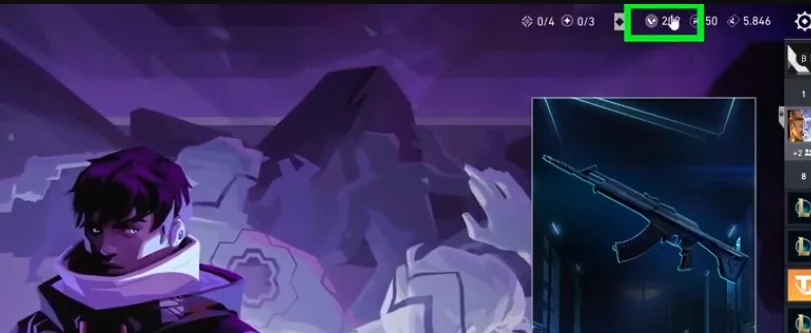
- Click the "Valorant Points" icon at the top right of the screen.
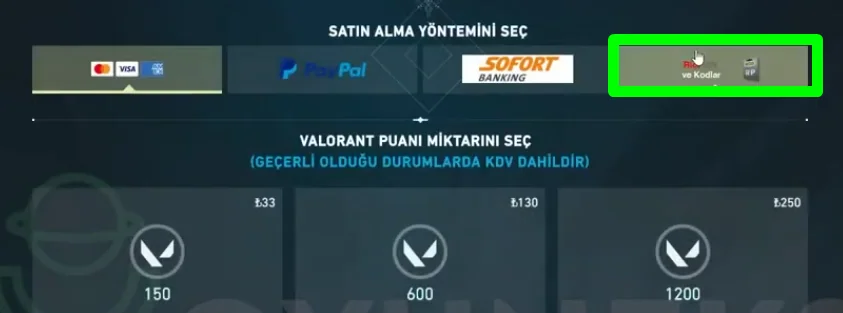
- On the page that opens, choose the "Riot Pin" payment method.
- Enter the code you bought from oyuneks.com to complete the top-up.
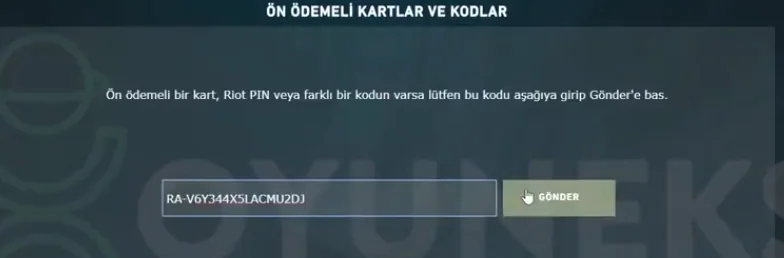
That's all! Cheap Valorant EU VP is at oyuneks.com!
Your code appears in the orders section of your account as soon as payment is approved. Then: Sign in to your Valorant account. Click the " Valorant Points " icon at the top right of the screen. On the page that opens, choose the " Riot Pin " payment method. Enter the code you bought from oyuneks.com to complete the top-up.
The code is entered on the game's own redeem screen, not on Oyuneks: Enter the code you bought from oyuneks.com to complete the top-up. You do not need to enter it on any other site.
Valid only on EU accounts. If your account region is different the top-up may fail, so check your account region before buying.
Delivery is digital and runs 24/7. Processing starts the moment your payment is approved, and orders placed at night are handled the same way. You can follow your order from the orders section of your account.
Only enter your code on the game's own redeem screen and never share it; the code is single use and is applied to the account that redeems it. Oyuneks never asks for your account password. If you run into trouble, contact 24/7 live support with your order number. Payments are collected through the PayTR payment institution; your card details are never seen or stored by Oyuneks.
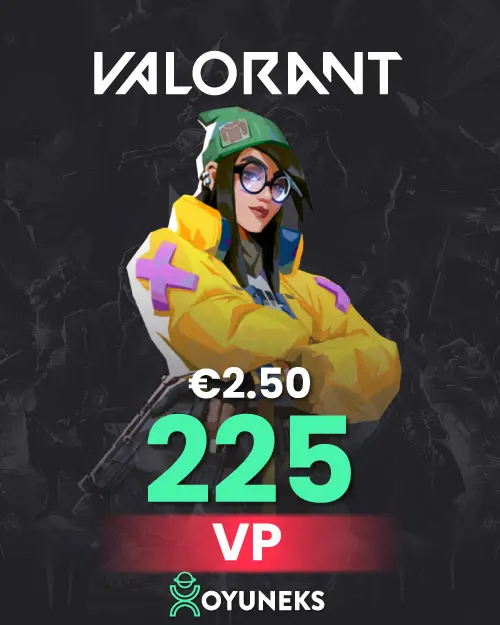
Valorant 225 VP - 2.5 EUR is currently 136,78 TL at Oyuneks. The price updates in real time with seller offers; delivery details are shown on the product page.
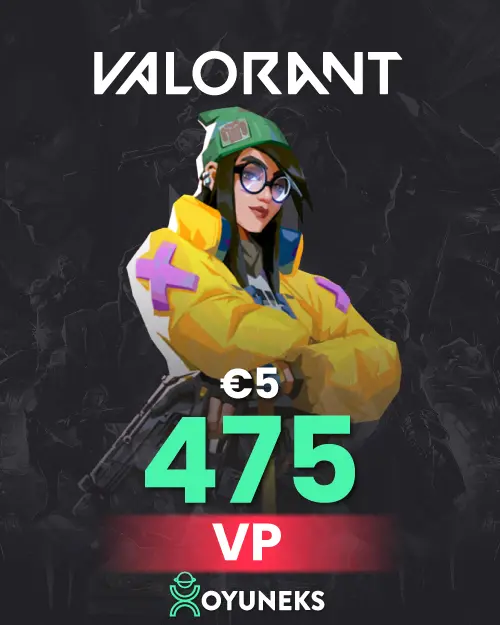
Valorant 475 VP - 5 EUR is currently 273,56 TL at Oyuneks. The price updates in real time with seller offers; delivery details are shown on the product page.
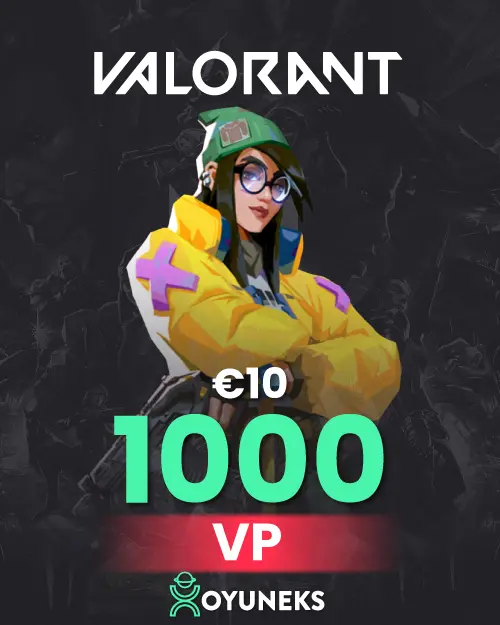
Valorant 1000 VP - 10 EUR is currently 547,13 TL at Oyuneks. The price updates in real time with seller offers; delivery details are shown on the product page.
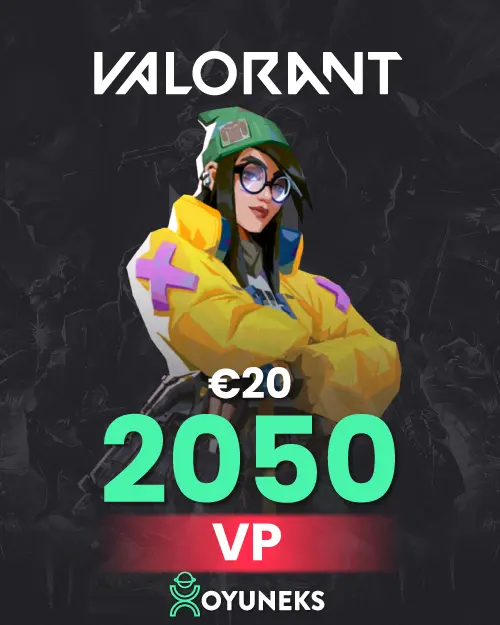
Valorant 2050 VP - 20 EUR is currently 1.094,27 TL at Oyuneks. The price updates in real time with seller offers; delivery details are shown on the product page.
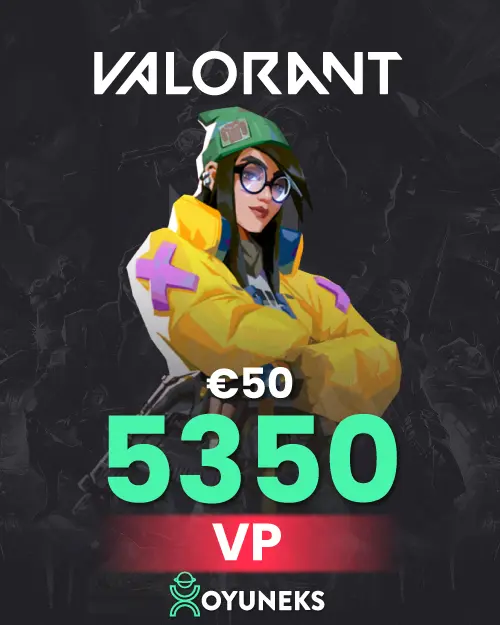
Valorant 5350 VP - 50 EUR is currently 2.735,66 TL at Oyuneks. The price updates in real time with seller offers; delivery details are shown on the product page.
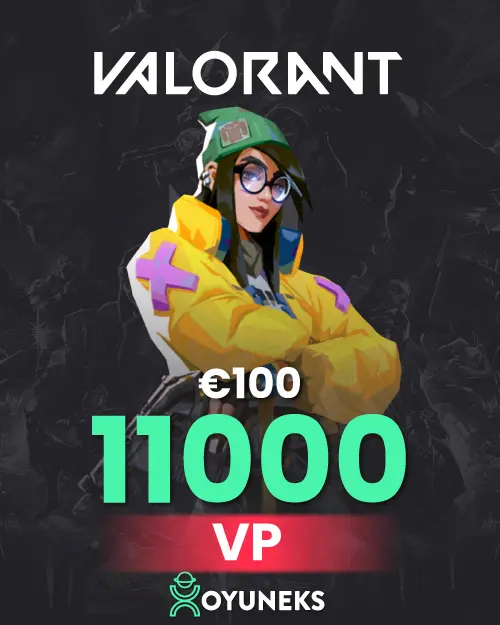
Valorant 11.000 VP - 100 EUR is currently 5.471,33 TL at Oyuneks. The price updates in real time with seller offers; delivery details are shown on the product page.
