


Sıralama

2.446,90 TL
27% cheaper than Steam
3% cashback
OYUNEKS
Alarm Kur
İstediğiniz alanları doldurmanız yeterli.

+73,41 TL cashback
2.165,90 TL
26% cheaper than Steam
3% cashback
OYUNEKS
Alarm Kur
İstediğiniz alanları doldurmanız yeterli.

+64,98 TL cashback
1.490,90 TL
3% cashback
Instant delivery
OYUNEKS
Alarm Kur
İstediğiniz alanları doldurmanız yeterli.
+44,73 TL cashback
1.503,90 TL
23% cheaper than Steam
3% cashback
OYUNEKS
Alarm Kur
İstediğiniz alanları doldurmanız yeterli.

+45,12 TL cashback
1.320,90 TL
23% cheaper than Steam
3% cashback
OYUNEKS
Alarm Kur
İstediğiniz alanları doldurmanız yeterli.
+39,63 TL cashback
2.803,90 TL
3% cashback
Instant delivery
OYUNEKS
Alarm Kur
İstediğiniz alanları doldurmanız yeterli.
+84,12 TL cashback
2.619,90 TL
11% cheaper than Steam
3% cashback
OYUNEKS
Alarm Kur
İstediğiniz alanları doldurmanız yeterli.

+78,60 TL cashback
3.243,90 TL
5% cheaper than Steam
3% cashback
OYUNEKS
Alarm Kur
İstediğiniz alanları doldurmanız yeterli.
+97,32 TL cashback
2.731,90 TL
6% cheaper than Steam
3% cashback
OYUNEKS
Alarm Kur
İstediğiniz alanları doldurmanız yeterli.

+81,96 TL cashback
2.194,90 TL
10% cheaper than Steam
3% cashback
OYUNEKS
Alarm Kur
İstediğiniz alanları doldurmanız yeterli.
+65,85 TL cashback
1.848,90 TL
5% cheaper than Steam
3% cashback
OYUNEKS
Alarm Kur
İstediğiniz alanları doldurmanız yeterli.

+55,47 TL cashback
1.284,90 TL
25% cheaper than Steam
3% cashback
OYUNEKS
Alarm Kur
İstediğiniz alanları doldurmanız yeterli.
+38,55 TL cashback
1.105,90 TL
39% cheaper than Steam
3% cashback
OYUNEKS
Alarm Kur
İstediğiniz alanları doldurmanız yeterli.

+33,18 TL cashback

+28,68 TL cashback
1.641,90 TL
44% cheaper than Steam
3% cashback
OYUNEKS
Alarm Kur
İstediğiniz alanları doldurmanız yeterli.

+49,26 TL cashback
925,90 TL
5% cheaper than Steam
3% cashback
OYUNEKS
Alarm Kur
İstediğiniz alanları doldurmanız yeterli.

+27,78 TL cashback
1.115,90 TL
38% cheaper than Steam
3% cashback
OYUNEKS
Alarm Kur
İstediğiniz alanları doldurmanız yeterli.

+33,48 TL cashback

+1,65 TL cashback
1.849,90 TL
3% cashback
Instant delivery
OYUNEKS
Alarm Kur
İstediğiniz alanları doldurmanız yeterli.

+55,50 TL cashback

+11,79 TL cashback
+0,44 TL cashback
83,90 TL
84% cheaper than Steam
3% cashback
OYUNEKS
Alarm Kur
İstediğiniz alanları doldurmanız yeterli.

+2,52 TL cashback
46,90 TL
79% cheaper than Steam
3% cashback
OYUNEKS
Alarm Kur
İstediğiniz alanları doldurmanız yeterli.

+1,41 TL cashback
446,90 TL
8% cheaper than Steam
3% cashback
OYUNEKS
Alarm Kur
İstediğiniz alanları doldurmanız yeterli.
+13,41 TL cashback
190,90 TL
84% cheaper than Steam
25% cashback
OYUNEKS
Alarm Kur
İstediğiniz alanları doldurmanız yeterli.
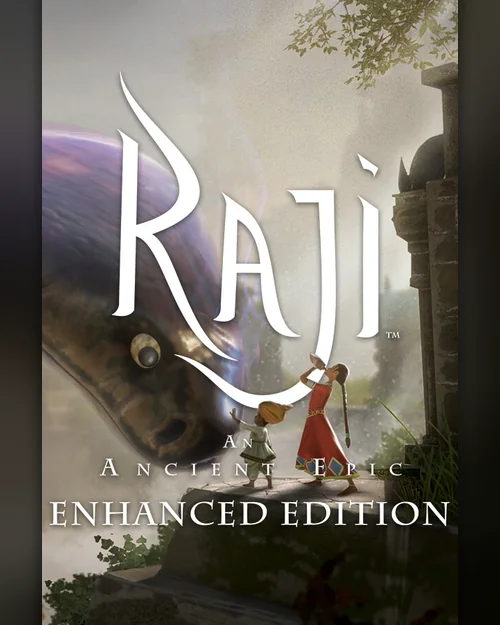
+47,73 TL cashback
432,90 TL
27% cheaper than Steam
3% cashback
OYUNEKS
Alarm Kur
İstediğiniz alanları doldurmanız yeterli.

+12,99 TL cashback
432,90 TL
63% cheaper than Steam
3% cashback
OYUNEKS
Alarm Kur
İstediğiniz alanları doldurmanız yeterli.
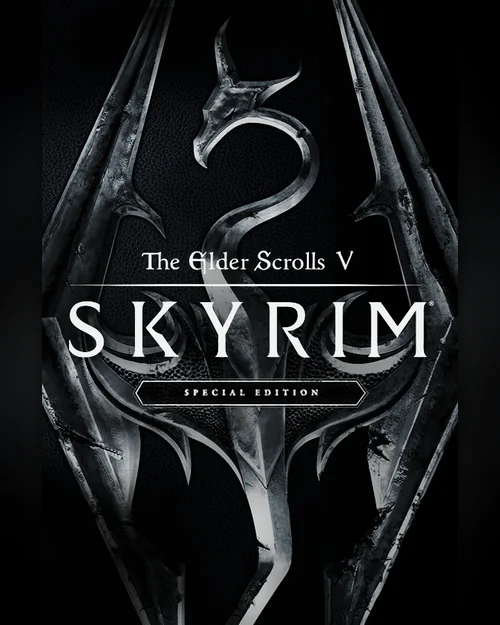
+12,99 TL cashback
1.899,90 TL
14% cheaper than Steam
3% cashback
OYUNEKS
Alarm Kur
İstediğiniz alanları doldurmanız yeterli.

+57,00 TL cashback
745,90 TL
75% cheaper than Steam
3% cashback
OYUNEKS
Alarm Kur
İstediğiniz alanları doldurmanız yeterli.

+22,38 TL cashback
865,90 TL
65% cheaper than Steam
3% cashback
OYUNEKS
Alarm Kur
İstediğiniz alanları doldurmanız yeterli.
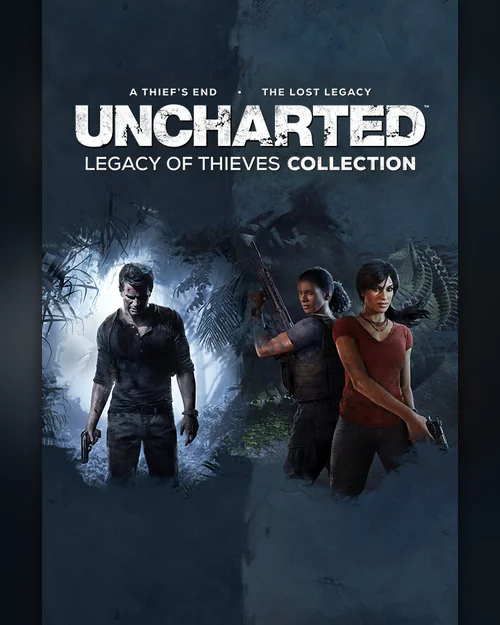
+25,98 TL cashback
Attention!
A Steam CD-Key is a single-use code that lets you add a game to your Steam library. You enter the code on the product activation screen in the Steam client; the game is then linked to your account and can be installed on any computer you like from that point on.
Delivery is digital. As soon as your payment is confirmed, the key appears in the orders section of your account, no waiting required. Keys work without any region restriction; they activate without any issue on Steam accounts registered in Turkey, and activation still works even if your account's country is different.
A key can only be used once and becomes permanently linked to the account it is redeemed on. So make sure you are logged into the correct Steam account before entering the code; an activated key cannot be transferred to another account.
Review Publishing Criteria
* You must have purchased this product to leave a review.
All reviews (12)
MŞ
03.09.2026 17:55:51
Mustafa Ş.
Anında Teslim
1. Once your order is confirmed, your key appears in the orders section of your account.
2. Open the Steam client and click the Add a Game link in the bottom left corner.
3. Select Activate a Product on Steam and accept the terms of use.
4. Enter the key that was sent to you. The game is added to your library and the download starts.
The key is single-use and becomes permanently linked to the account it is entered on. Do not share your code with anyone.
Open the Steam client, click the Add a Game link at the bottom left and choose Activate a Product on Steam. After accepting the terms of use, enter the key sent to you; the game is added to your library and the download starts.
Yes. The keys in this section activate without any problem on Steam accounts in Turkey. There is no region restriction, so activation works even if your account country is different.
The key is single use and is permanently bound to the Steam account it is entered on. An activated key cannot be transferred to another account, so make sure you are on the right account before entering the code.
Unless stated otherwise in the product name and description, it is the standard edition of the game. If you buy an edition such as Deluxe, Gold or Ultimate, what that edition covers is stated separately in the product description.
First make sure you used the code on the right platform, on Steam's own product activation screen. If the problem persists, contact 24/7 live support with your order number; the case is reviewed together with the delivery records. Payments are collected through the PayTR payment institution; your card details are never seen or stored by Oyuneks.
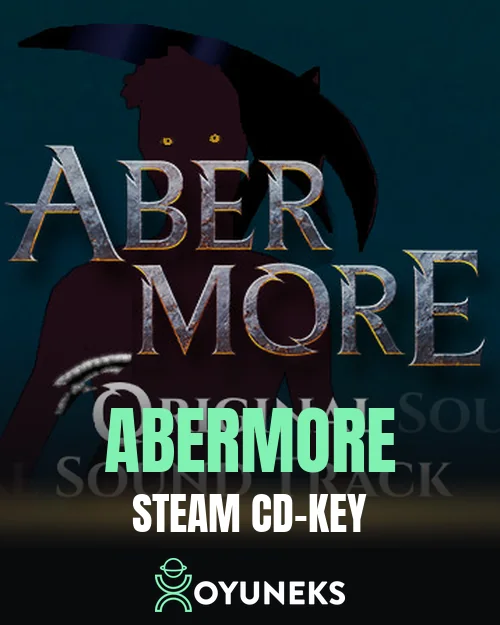
Abermore is currently 14,50 TL at Oyuneks. The price updates in real time with seller offers; delivery details are shown on the product page.
Worms Rumble is currently 29,10 TL at Oyuneks. The price updates in real time with seller offers; delivery details are shown on the product page.
NEXT JUMP: Shmup Tactics is currently 35,90 TL at Oyuneks. The price updates in real time with seller offers; delivery details are shown on the product page.
Crowalt: Traces of the Lost Colony is currently 36,90 TL at Oyuneks. The price updates in real time with seller offers; delivery details are shown on the product page.
FatalZone is currently 37,90 TL at Oyuneks. The price updates in real time with seller offers; delivery details are shown on the product page.
Anuchard is currently 37,90 TL at Oyuneks. The price updates in real time with seller offers; delivery details are shown on the product page.

Steam CD-Key