


Sıralama

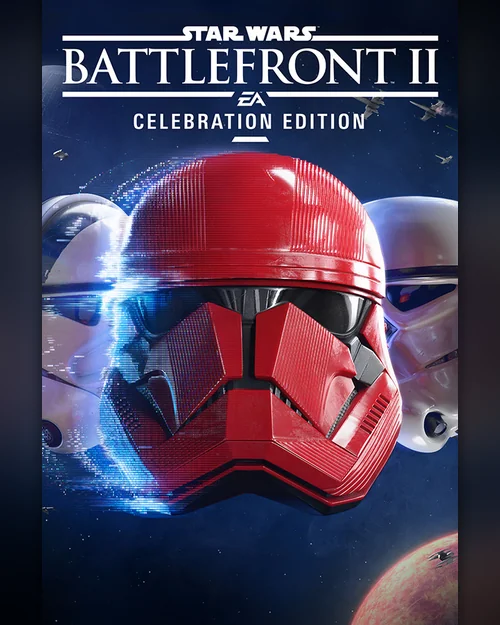
+27,00 TL cashback
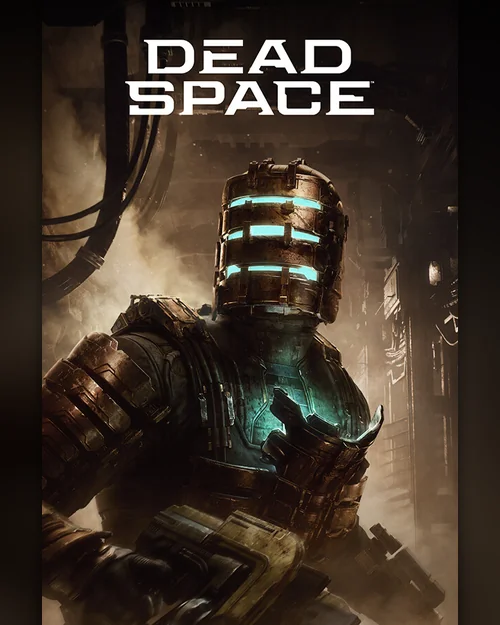
+47,70 TL cashback

+27,09 TL cashback
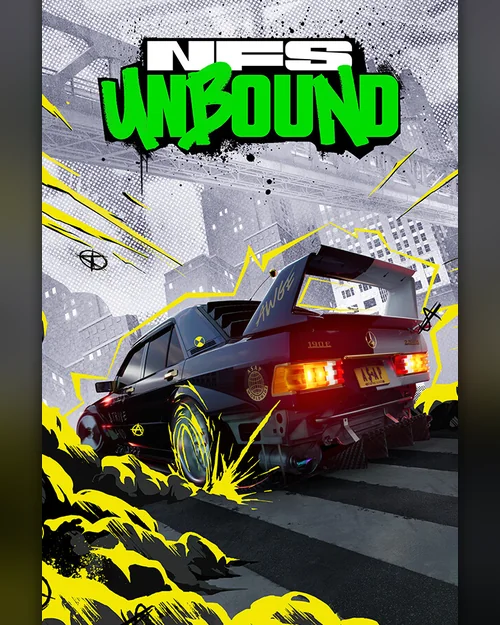
+39,00 TL cashback

+25,50 TL cashback
1.999,90 TL
30% cheaper than Steam
3% cashback
OYUNEKS
Alarm Kur
İstediğiniz alanları doldurmanız yeterli.
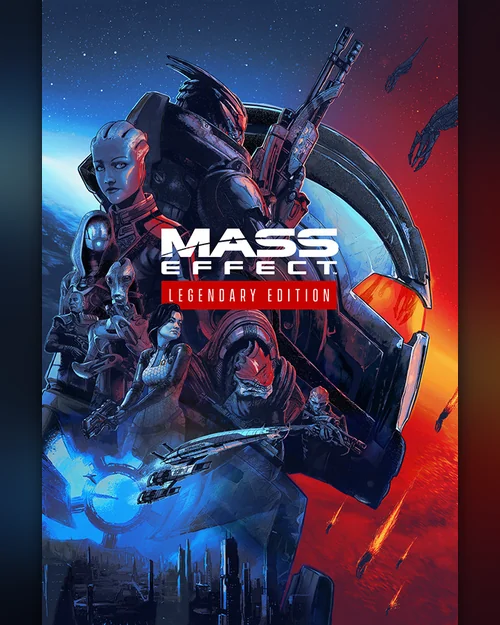
+60,00 TL cashback
+19,50 TL cashback
999,90 TL
30% cheaper than Steam
3% cashback
OYUNEKS
Alarm Kur
İstediğiniz alanları doldurmanız yeterli.
+30,00 TL cashback
849,90 TL
41% cheaper than Steam
3% cashback
OYUNEKS
Alarm Kur
İstediğiniz alanları doldurmanız yeterli.
+25,50 TL cashback
+33,81 TL cashback
+18,00 TL cashback
1.199,90 TL
37% cheaper than Steam
3% cashback
OYUNEKS
Alarm Kur
İstediğiniz alanları doldurmanız yeterli.
+36,00 TL cashback
+19,50 TL cashback
+24,00 TL cashback
+18,00 TL cashback
+21,00 TL cashback

+18,00 TL cashback
649,90 TL
66% cheaper than Steam
3% cashback
OYUNEKS
Alarm Kur
İstediğiniz alanları doldurmanız yeterli.
+19,50 TL cashback
+24,00 TL cashback

+39,00 TL cashback
Attention!
An EA App CD-Key is a single-use code that links a game to your EA account. You enter the code on the code redemption screen in EA App; the game is added to your library and can be installed on any computer where you log in with that account.
EA App is the launcher that replaced the application formerly known as Origin. If you were using Origin, your account stays the same, only the application changes; you still use the key on the same account.
Delivery is digital, and as soon as your payment is confirmed, the key appears in the orders section of your account. It activates without any issue on EA accounts registered in Turkey. A key can only be used once and becomes permanently linked to the account it is redeemed on; make sure you are on the correct EA account before entering the code.
1. Once your order is confirmed, your key appears in the orders section of your account.
2. Open EA App and log in with your EA account.
3. Open the Redeem Code option from the menu and enter the key that was sent to you.
4. The game is added to your library and the download starts.
The key is single-use and becomes permanently linked to the account it is entered on.
Open the EA App and sign in with your EA account. Open Redeem Code from the menu and enter the key sent to you; the game is added to your library and the download starts.
Yes. The EA App replaced the application previously known as Origin. Your account stays the same, only the application changed; you still use the key on the same account.
Yes. The keys in this section activate without any problem on EA accounts in Turkey.
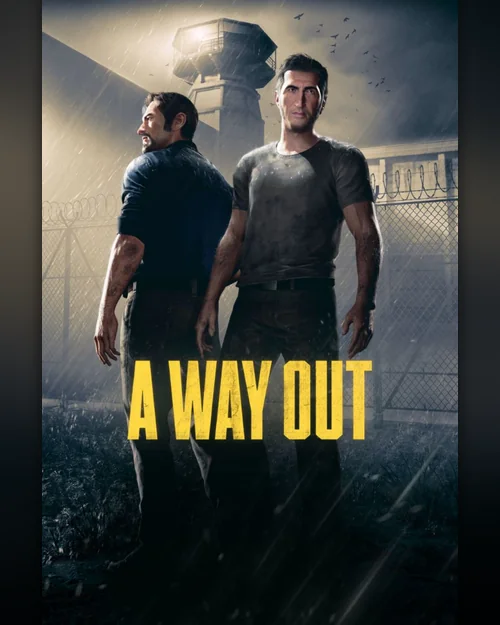
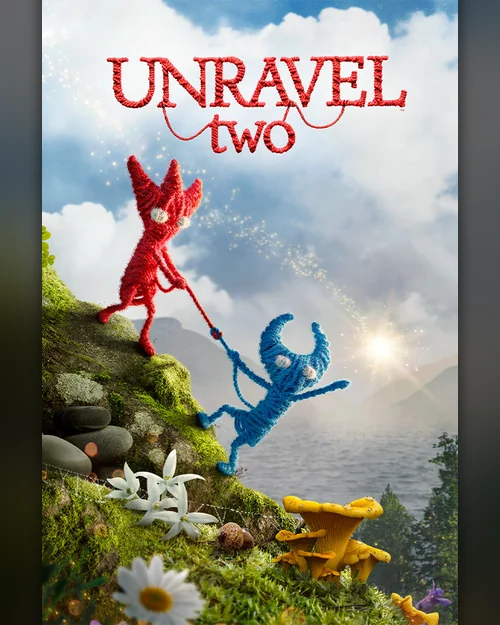
Games such as It Takes Two and A Way Out have a friend invite feature; the second player does not need to own the game. This is stated separately in the description of the relevant product.
Make sure you used the code on the EA App's own redeem screen and on the right EA account. If the problem persists, contact 24/7 live support with your order number. Payments are collected through the PayTR payment institution; your card details are never seen or stored by Oyuneks.
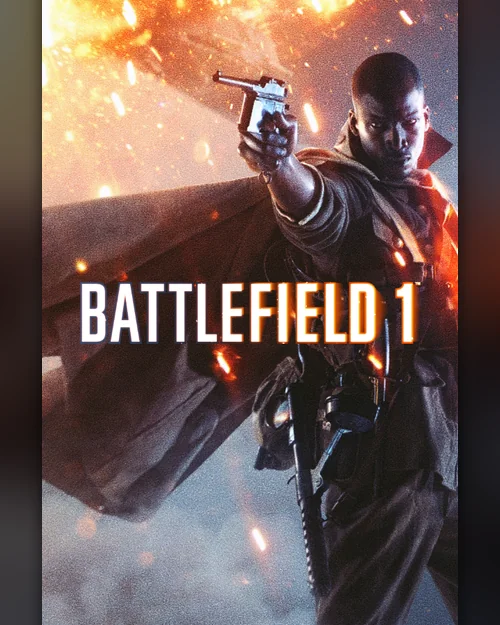
Battlefield 1 is currently 599,90 TL at Oyuneks. The price updates in real time with seller offers; delivery details are shown on the product page.
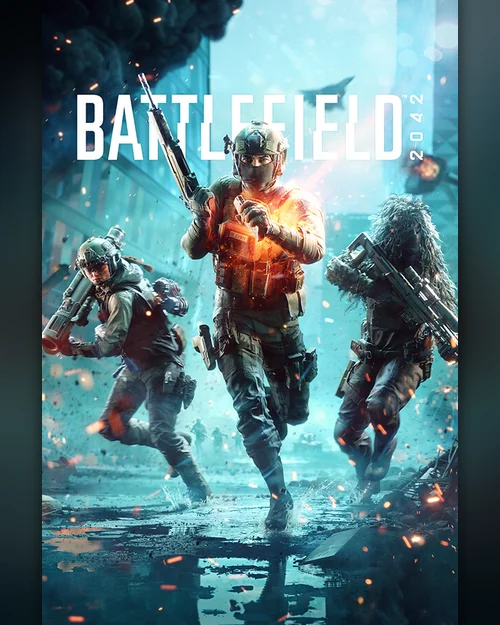
Battlefield 2042 is currently 599,90 TL at Oyuneks. The price updates in real time with seller offers; delivery details are shown on the product page.
Command & Conquer Remastered Collection is currently 599,90 TL at Oyuneks. The price updates in real time with seller offers; delivery details are shown on the product page.
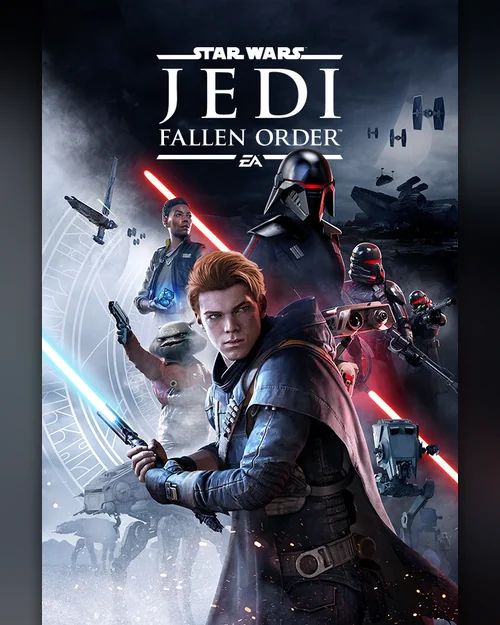
Star Wars Jedi: Fallen Order is currently 649,90 TL at Oyuneks. The price updates in real time with seller offers; delivery details are shown on the product page.
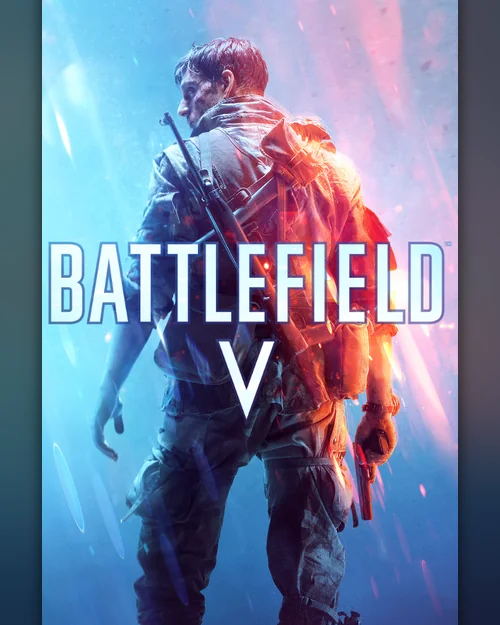
Battlefield V is currently 649,90 TL at Oyuneks. The price updates in real time with seller offers; delivery details are shown on the product page.
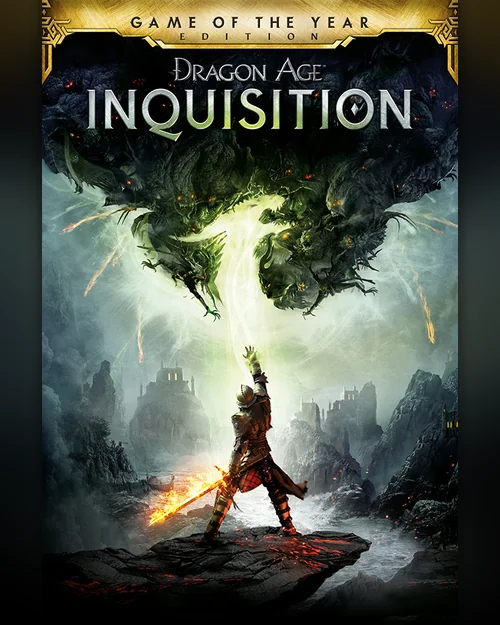
Dragon Age: Inquisition GOTY is currently 649,90 TL at Oyuneks. The price updates in real time with seller offers; delivery details are shown on the product page.
