


Sıralama



Attention!
PUBG Mobile UC Epin Guide: What Is This Code For?
PUBG Mobile UC Epin is a digital code that lets you add UC (Unknown Cash) balance valid in the game to your account. With UC you can buy character costumes, weapon skins, the battle pass and other content in the store. The Epin is loaded directly from the code without being tied to your player ID, so the transaction is completed without sharing account information. In PUBG Mobile, having your UC balance ready is important for limited-time sets and the seasonal battle pass in the store. Since it's a code-based system, you don't need to share your account password or personal information when buying.
UC Epin Packages
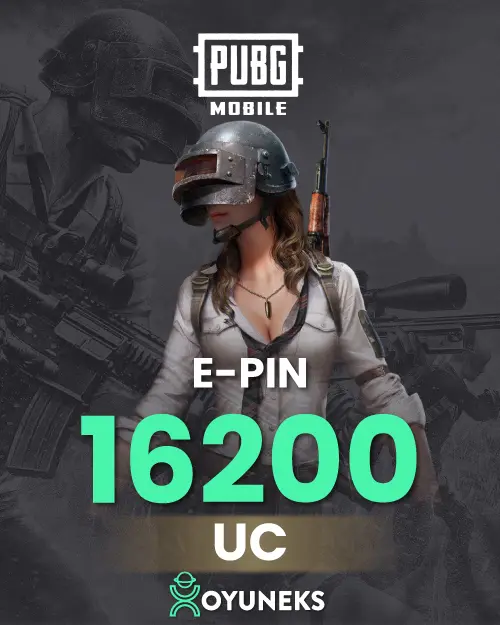
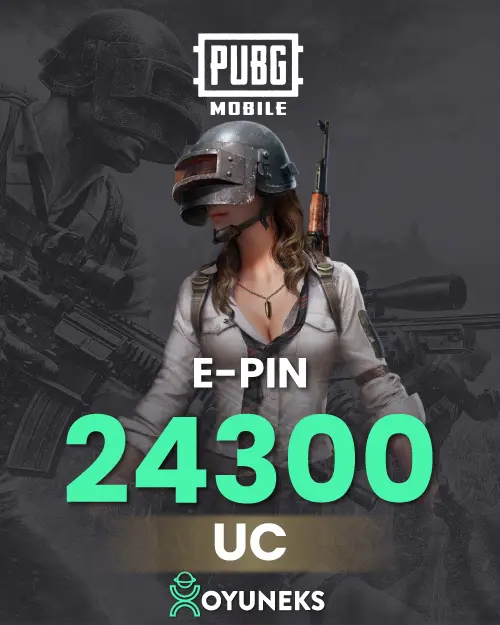
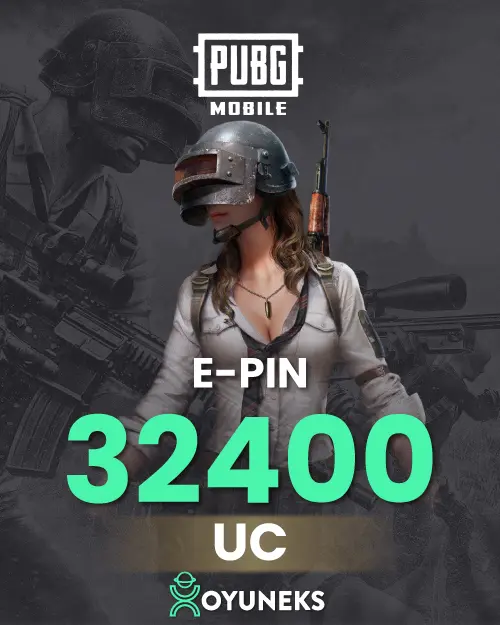
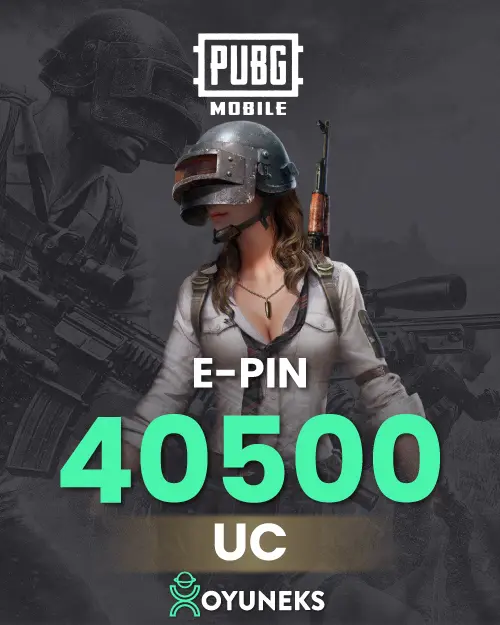
PUBG Mobile UC Epin is sold in a wide range of denominations from 60 UC to 40,500 UC: 60, 325, 660, 1,800, 3,850, 8,100, 16,200, 24,300, 32,400 and 40,500 UC Epin. You can choose the small denomination if you want to buy a small amount of content, or the higher denominations if you're planning a large purchase or accumulated shopping. If you're targeting the seasonal battle pass or a limited-time costume, first seeing your UC need in the store and choosing the denomination accordingly ensures the balance is used efficiently. If you're playing with several friends, it's also possible to choose a separate denomination for each of them.
How Much Is PUBG Mobile UC Epin in TL, Prices
You can see the current amount of each denomination in the price list on this page. Since prices can change based on the exchange rate, it's best to check the list rather than rely on a fixed figure. You can compare the amounts in the list to find the most cost-effective option per unit of UC between denominations. Seeing how the unit cost of UC changes in the larger denominations makes the purchase decision easier.
How Do You Load UC Epin?
- Buy the PUBG Mobile UC Epin package you want from oyuneks.com.
- Register at midasbuy.com or log in with your existing account.
- Go to midasbuy.com/midasbuy/tr/redeem/pubgm.
- Write your PUBG Mobile ID in the "Enter Player ID" field.
- Complete the top-up by entering the UC code you bought in the "Enter Your Code" field.
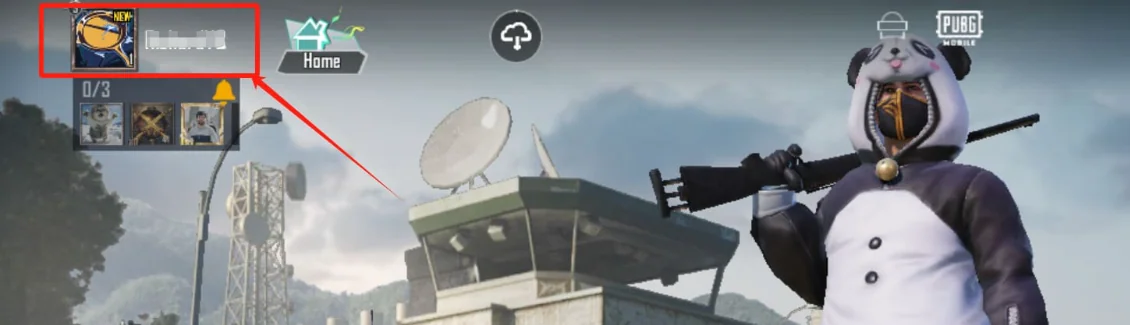
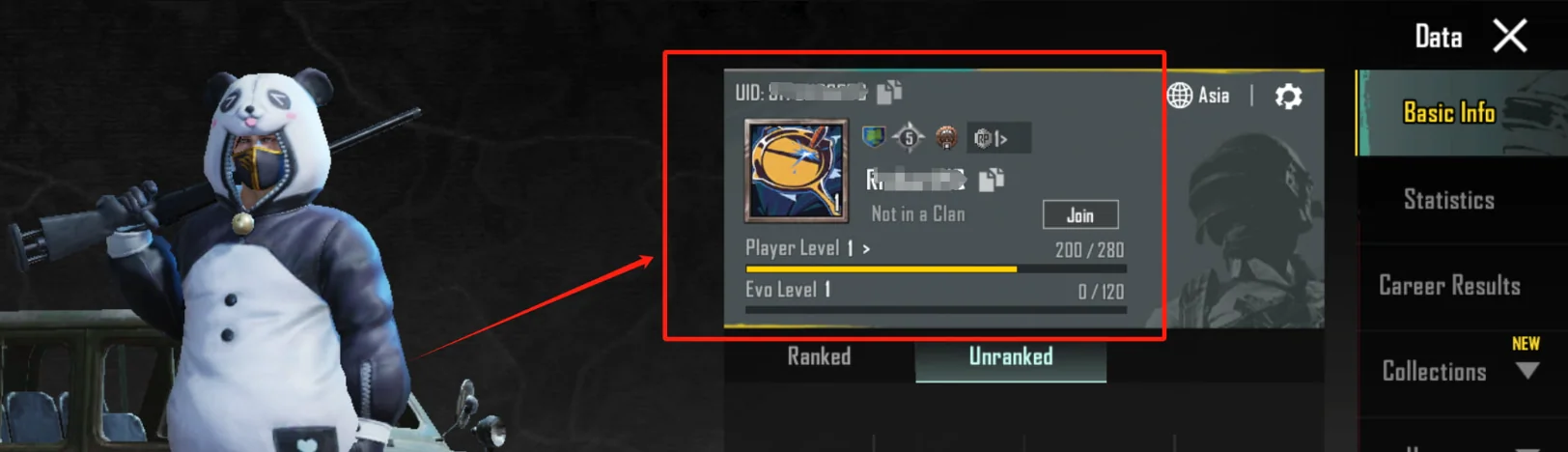
You can see your player ID from the profile screen in the game, in the string of numbers under your name. Writing all the digits completely when entering the ID is important for the UC to be added to the correct account. Once the top-up is confirmed, you can log into the game and check that your UC balance has updated on the store screen.
Things to Watch Out For
- If you don't enter your player ID correctly, the UC may be added to an account you didn't intend; check your information before the transaction.
- The code can only be used once; once used it's not valid on another account.
- Make sure to enter the code completely and without spaces.
- Make sure the session you use to log into your Midasbuy account is the same as the account you play the game with.
- If you have accounts on different servers, check that the ID belongs to the correct server.
- If you experience a connection issue while entering the code, refresh the page, check whether the code has been used, and then try again.
Why Oyuneks?
The PUBG Mobile UC Epin code you buy through Oyuneks is delivered to your account as soon as the purchase is complete and is kept in the my orders section, so you can view your code again anytime you want. If you run into a problem during loading, you can quickly get help through live support. Without the trouble of losing the code or noting it down somewhere wrong, you can reach it anytime from your order history. This arrangement also speeds up the process the next time you want to top up UC on the same account. This regular record comes in handy when you want to quickly complete your balance before the battle pass expires or limited-time sets disappear.
Review Publishing Criteria
* You must have purchased this product to leave a review.
All reviews (9)
DA
12.12.2024 17:45:03
Deha A.
Kısa sürede geldi teşekkürler
FK
09.12.2024 16:00:45
Fuat K.
şak diye para yatırdım şak diye kodum geldi teşekkürler
FK
09.12.2024 16:00:32
Fuat K.
şak diye gönderildi
AŞ
09.12.2024 15:59:36
Ahmet Ş.
uc diyince akla oyuneks gelir
CY
09.12.2024 15:42:51
CEM Y.
Anında teslim edildi
CY
07.12.2024 15:44:54
CEM Y.
Teşekkürler çok memnun kaldım hızlı bir site
PUBG Mobile UC Epin: How Do You Top It Up?
- Log in to oyuneks.com and choose the PUBG Mobile UC Epin package you want and purchase it.
- midasbuy.com – sign up.
- midasbuy.com/midasbuy/tr/redeem/pubgm – open this page.
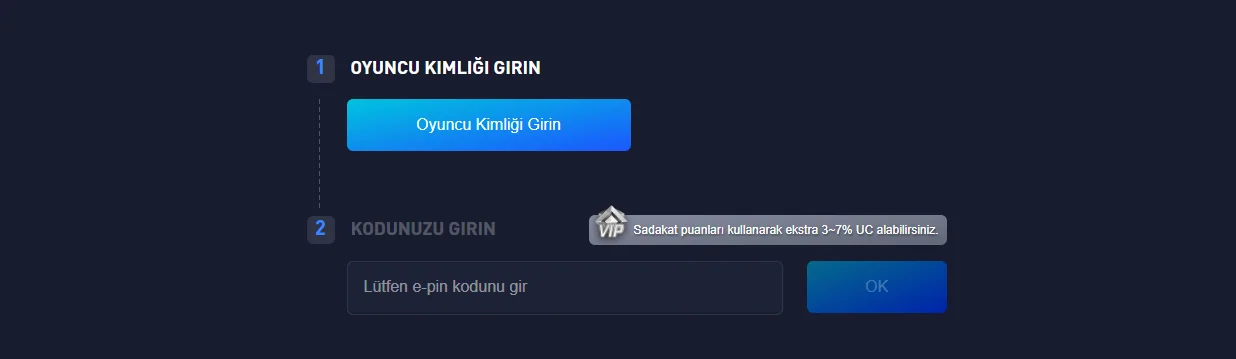
- "Enter Player ID field, enter your PUBG Mobile ID.
- Complete the top-up by entering the UC code you purchased from oyuneks.com into the "ENTER YOUR CODE" field.
Where Can You Find Your PUBG Mobile Player ID?
The right place for cheap PUBG Mobile UC Epin is oyuneks.com!
Your code appears in the orders section of your account as soon as payment is approved. Then: midasbuy.com – sign up. midasbuy.com/midasbuy/tr/redeem/pubgm – open this page. " Enter Player ID field, enter your PUBG Mobile ID. Complete the top-up by entering the UC code you purchased from oyuneks.com into the " ENTER YOUR CODE " field.
The code is not used on Oyuneks but on midasbuy.com. The code entry page is midasbuy.com/midasbuy/tr/redeem/pubgm. Sign in with your own account and paste the code into the relevant field.
This is a global product. If your account region is different the top-up may fail, so check your account region before buying.
Delivery is digital and runs 24/7. Processing starts the moment your payment is approved, and orders placed at night are handled the same way. You can follow your order from the orders section of your account.
Only enter your code in the code field on midasbuy.com and never share it; the code is single use and is applied to the account that redeems it. Oyuneks never asks for your account password. If you run into trouble, contact 24/7 live support with your order number. Payments are collected through the PayTR payment institution; your card details are never seen or stored by Oyuneks.
In the best-value package (40.500 UC, 22.827,90 TL), 1 UC costs about 0,56 TL. In the smallest package (60 UC, 46,90 TL), 1 UC costs about 0,78 TL.
With 1.000 TL you can get about 1.380 UC, for example 2 x 660 UC + 1 x 60 UC (total 960,70 TL). Prices can change; the amount shown in the cart applies.
UC is bought from the official game store or authorized sellers; in-game events may occasionally give free rewards. Sites and apps promising 'free UC' are mostly set up to steal account details, so never share your password or verification code.
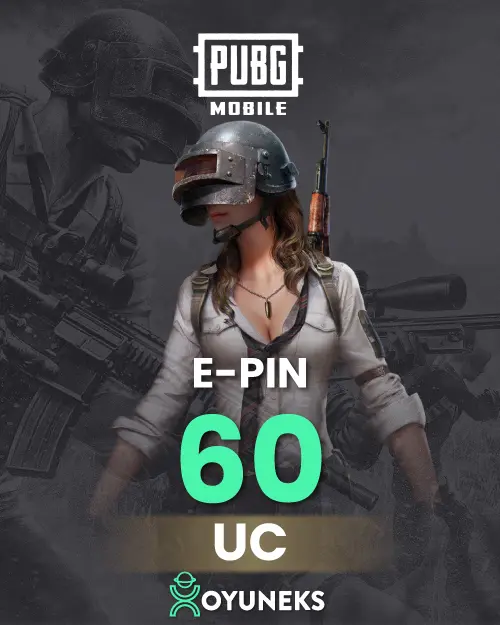
PUBG Mobile 60 UC Epin is currently 46,90 TL at Oyuneks. The price updates in real time with seller offers; delivery details are shown on the product page.
PUBG Mobile 325 UC Epin is currently 228,90 TL at Oyuneks. The price updates in real time with seller offers; delivery details are shown on the product page.
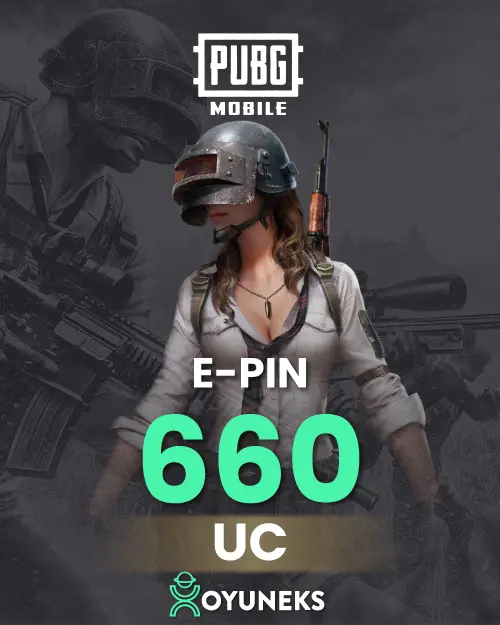
PUBG Mobile 660 UC Epin is currently 456,90 TL at Oyuneks. The price updates in real time with seller offers; delivery details are shown on the product page.
PUBG Mobile 1.800 UC Epin is currently 1.141,90 TL at Oyuneks. The price updates in real time with seller offers; delivery details are shown on the product page.
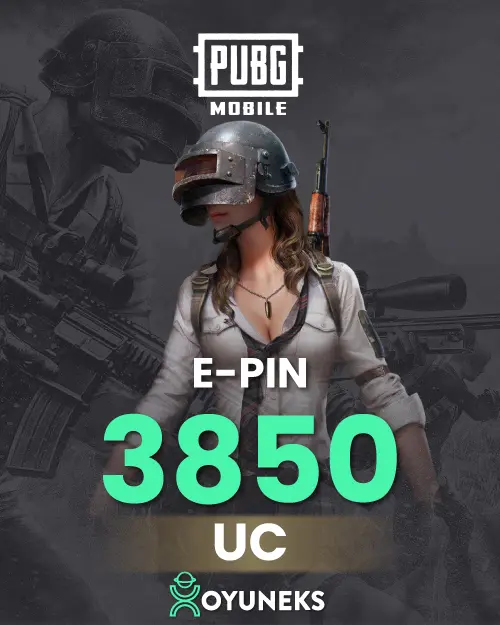
PUBG Mobile 3.850 UC Epin is currently 2.282,90 TL at Oyuneks. The price updates in real time with seller offers; delivery details are shown on the product page.
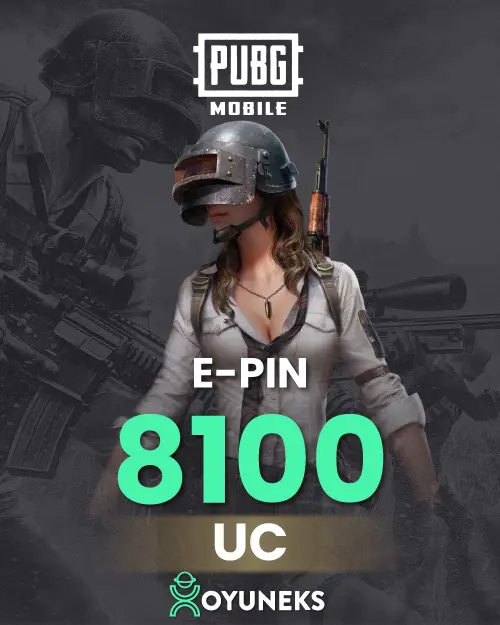
PUBG Mobile 8.100 UC Epin is currently 4.565,90 TL at Oyuneks. The price updates in real time with seller offers; delivery details are shown on the product page.
PUBG Mobile 16.200 UC Epin is currently 9.131,90 TL at Oyuneks. The price updates in real time with seller offers; delivery details are shown on the product page.
PUBG Mobile 24.300 UC Epin is currently 13.696,90 TL at Oyuneks. The price updates in real time with seller offers; delivery details are shown on the product page.
PUBG Mobile 32.400 UC Epin is currently 18.262,90 TL at Oyuneks. The price updates in real time with seller offers; delivery details are shown on the product page.
PUBG Mobile 40.500 UC Epin is currently 22.827,90 TL at Oyuneks. The price updates in real time with seller offers; delivery details are shown on the product page.

PUBG Mobile UC Epin